
Published on Octobre 29, 2026
Reading time: 6min30
By Lucas Medus - Studio & Acoustics Expert at Red House
Sommaire
Recording studio software, or DAW (digital audio workstation), is the program you use to record, edit, mix and produce music. The best choice depends on what you make, your computer and your budget, not on a single "best" DAW
Key takeaways
- A DAW is the core software of any recording studio.
- Pro Tools remains a reference in many professional studios; Ableton Live and FL Studio are popular for electronic music and beats.
- Logic Pro is Mac only; most other DAWs run on Mac and Windows.
- Free options (GarageBand, trial or lite versions) are enough to start.
- Your computer, audio interface and room matter as much as the software.
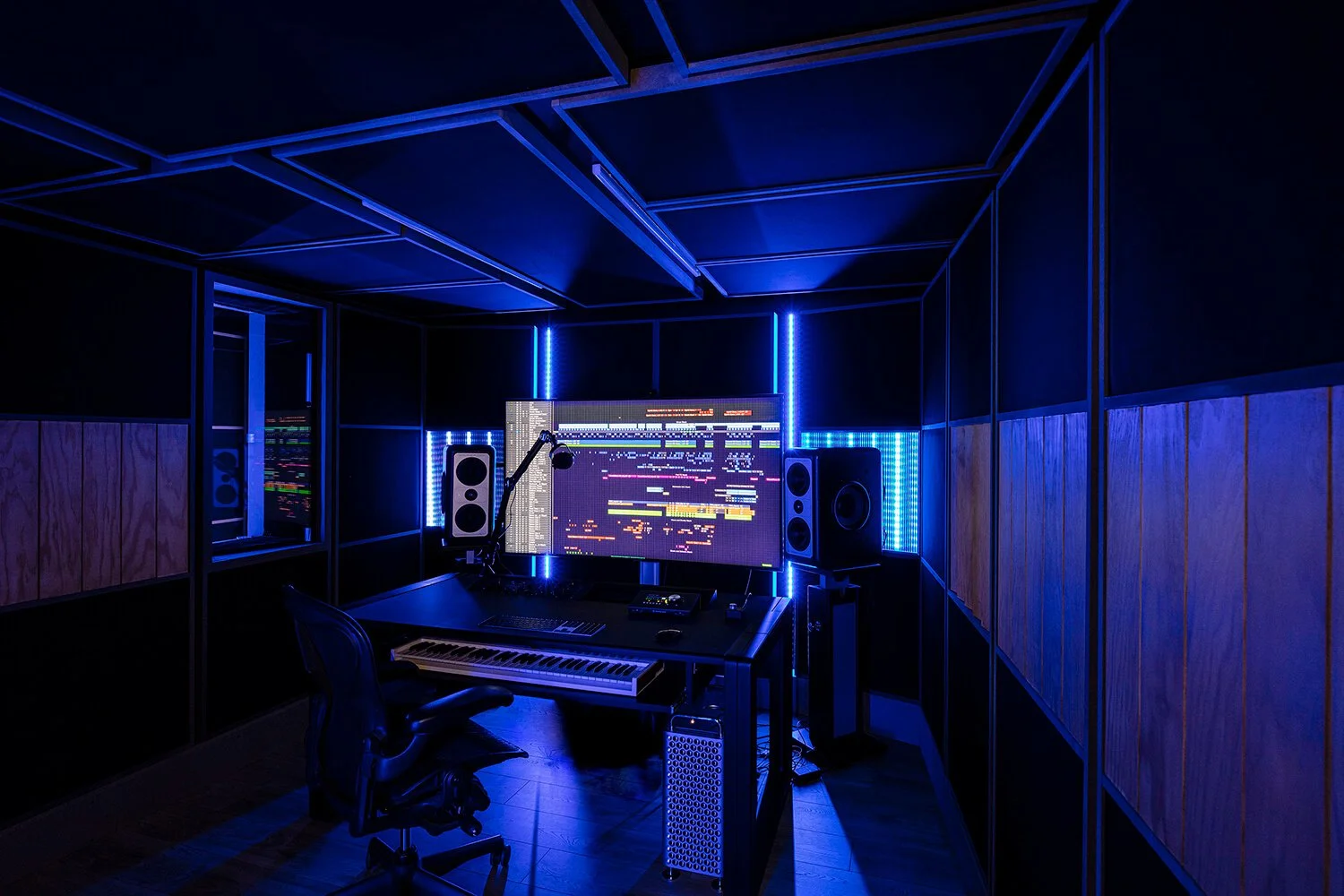
What is recording studio software (DAW)?
A Digital Audio Workstation (DAW) is the central software application used in a recording studio equipment setup to capture, produce, and manipulate sound. As a comprehensive standalone environment, a DAW brings together all the essential tools required to take a project from an initial raw idea to a polished final master.
Its primary core functions include:
Multitrack recording: Capturing multiple audio sources simultaneously or sequentially across independent tracks.
MIDI sequencing: Recording, editing, and routing MIDI data to control virtual instruments, synthesizers, and hardware gear.
Precision editing: Cutting, arranging, time-stretching, and pitch-correcting audio and MIDI performances with sample accuracy.
Mixing: Balancing volume levels, panning instruments across the stereo field, and applying automation to shape the dynamic flow of a song.
Plugin hosting: Utilizing virtual studio technology (VST, AU, AAX) plugins (such as equalizers, compressors, reverbs, and virtual instruments) to expand sonic possibilities.
The best recording studio software compared
Choosing the right Digital Audio Workstation depends heavily on your operating system, budget, and music production style. The comparison table below highlights the key differences between the top DAWs to help you quickly identify the best fit for your studio setup.
| DAW | Platform (Mac/Windows) | Best for | Price model | Learning curve |
|---|---|---|---|---|
| Pro Tools | Mac / Windows | Professional recording studios, mixing & audio editing | Subscription / Perpetual licence | Steep |
| Logic Pro | Mac only | All-in-one music production for Mac users | One-time purchase | Moderate |
| Ableton Live | Mac / Windows | Electronic music, beatmaking & live performance | Perpetual licence (tiered) | Moderate to steep |
| FL Studio | Mac / Windows | Beatmaking, hip-hop & electronic music | One-time purchase (free lifetime updates) | Beginners to moderate |
| Cubase | Mac / Windows | Film scoring, advanced MIDI sequencing & arrangement | Perpetual licence | Steep |
| Studio One | Mac / Windows | Modern workflow, intuitive recording & mastering | Perpetual licence / Subscription | Easy to moderate |
| Reaper | Mac / Windows | Budget-conscious users, high customizability & efficiency | Very affordable perpetual licence | Steep |
| GarageBand | Mac only | Beginners & quick drafting on macOS | Free | Easy |
Building a studio around your workflow?
Red House designs recording studios and custom desks built for your software, your gear and your way of working.
Free vs paid recording software
Free DAWs and Lite or trial versions offer an excellent entry point to learn the basics, sketch ideas, and handle simple multi-track recording without financial commitment. While they provide essential features like basic audio editing, MIDI sequencing, and standard native plugins, they come with notable restrictions such as capped track counts, limited virtual instruments, restricted export options, or lack of third-party plugin support. Upgrading to a full paid version unlocks unrestricted creative freedom, comprehensive plugin suites, advanced mixing and mastering tools, and dedicated technical support required for professional-grade productions.
How to choose the right recording studio software
Selecting the ideal DAW requires evaluating your specific creative needs and production workflow alongside your overall home recording studio equipment setup.
By music style and use (recording bands, beats, electronic, film, podcast)
Your primary focus determines which software features matter most. Whether you are setting up a full production suite or a compact bedroom recording studio, multitrack live recording for bands benefits from DAWs like Pro Tools or Studio One, whereas electronic music producers and beatmakers thrive on the fast loop-based workflows of Ableton Live or FL Studio. Film scoring demands advanced MIDI and video synchronization like Cubase, while podcasters need simple voice editing and quick export tools.
By operating system and computer power
Compatibility and hardware performance are critical deciding factors. Certain DAWs like Logic Pro and GarageBand are strictly macOS-exclusive, whereas others run cross-platform on both Mac and Windows. Additionally, resource-heavy plugins require substantial CPU and RAM, though efficient options like Reaper run smoothly even on older or modest hardware setups.
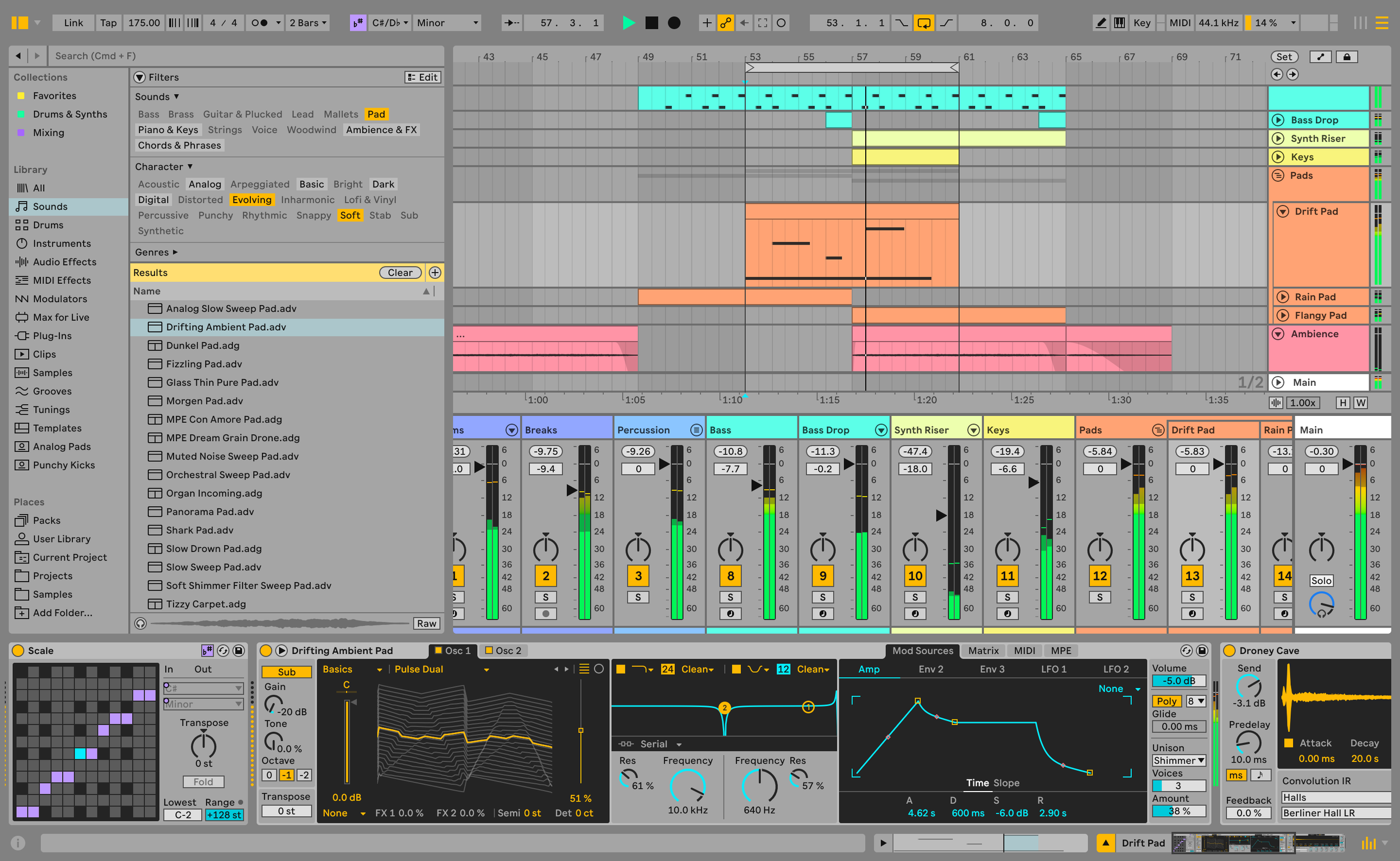
Ableton
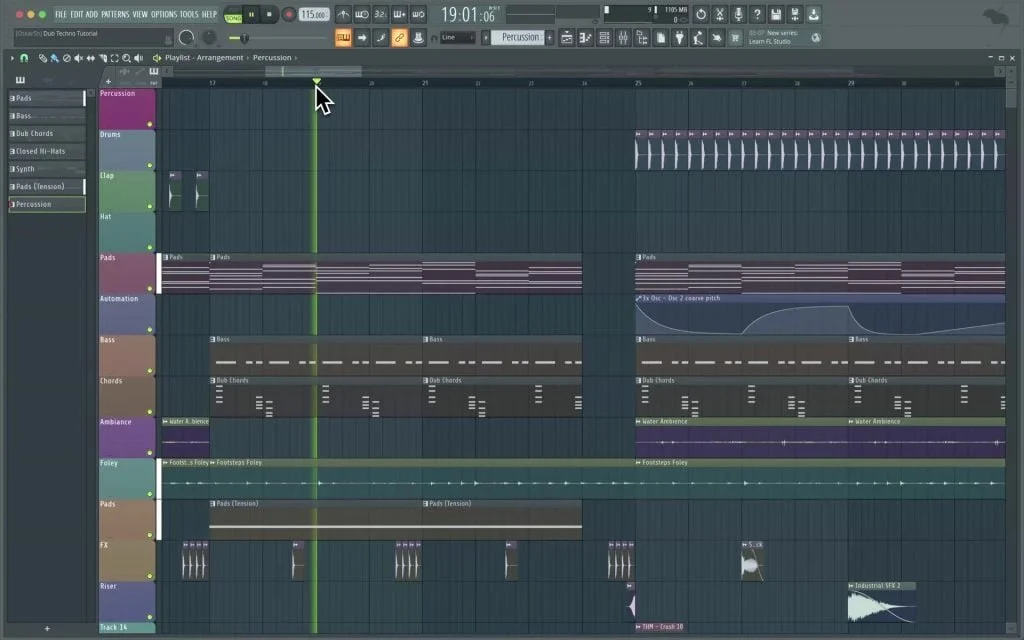
FL Studio
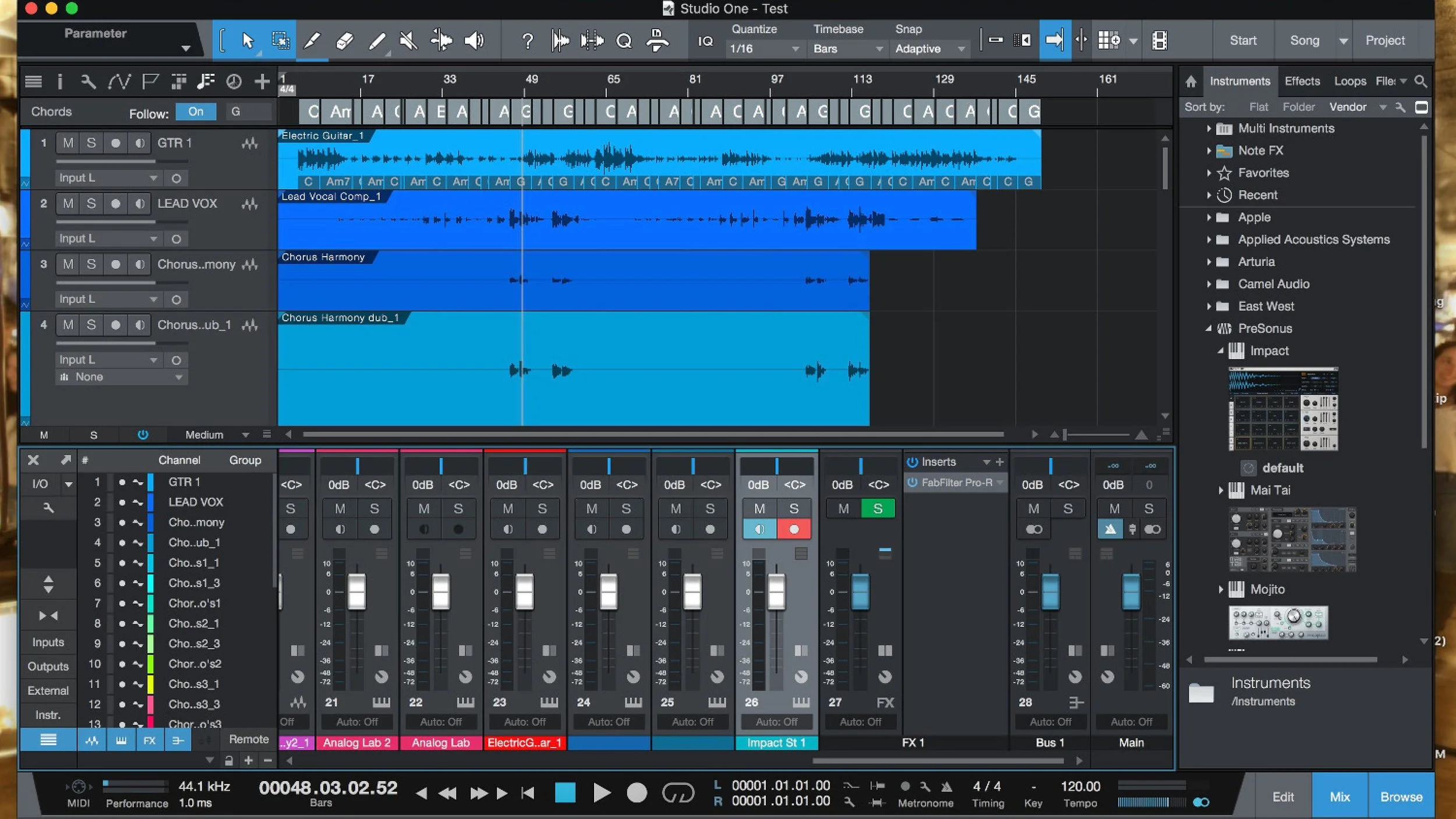
Studio One
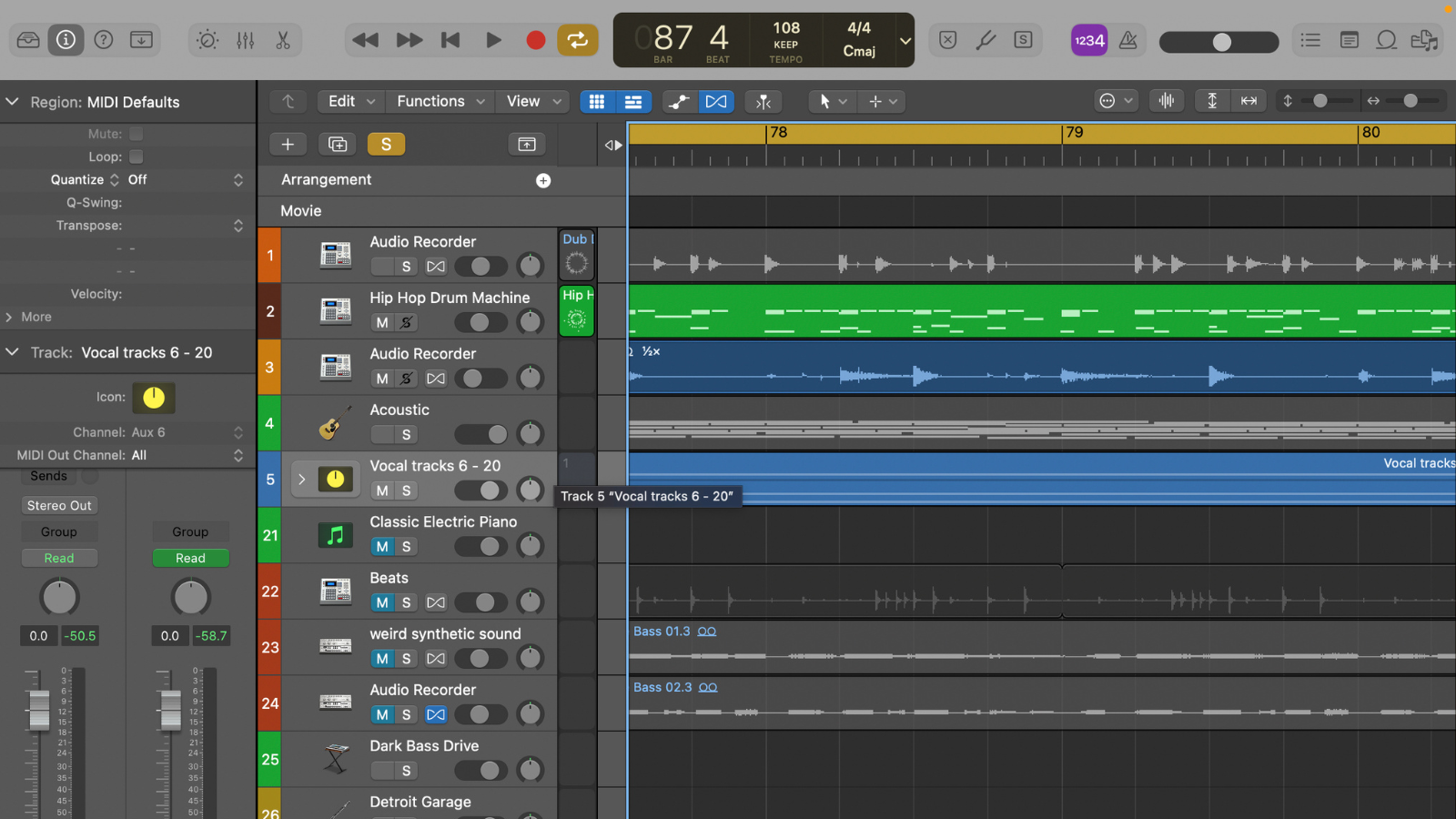
Logic Pro
By budget and pricing model
Software pricing varies from free entry-level options (GarageBand, free trials, lite versions) to one-time perpetual licenses and ongoing monthly subscriptions. Consider whether you prefer a single upfront investment with optional upgrades or a recurring subscription model that includes continuous feature rollouts.
By learning curve and community resources
Every DAW presents a distinct user interface and learning curve. Popular software benefits from extensive online tutorials, user forums, and preset ecosystems, making it much easier to solve technical issues and master advanced techniques quickly.
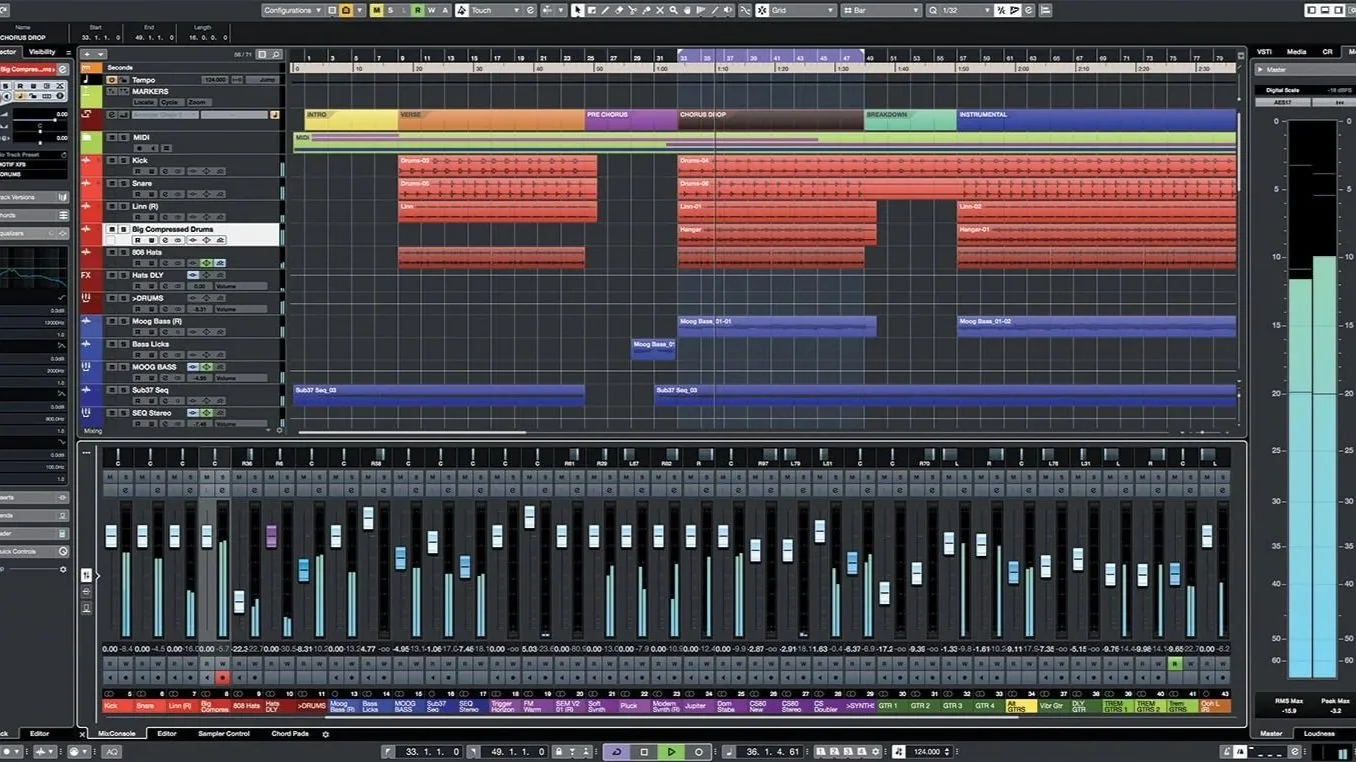
Cubase
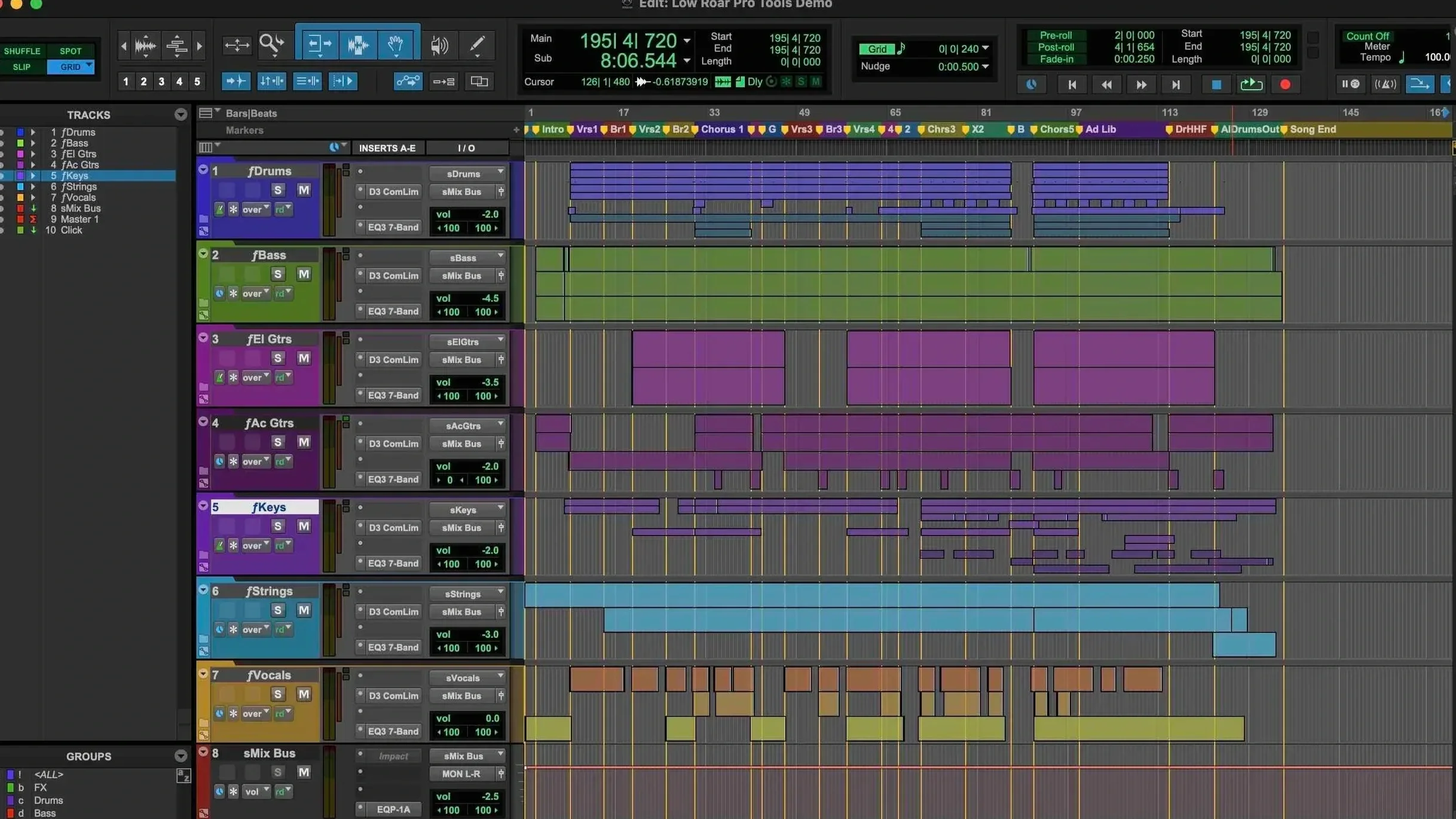
Pro Tools
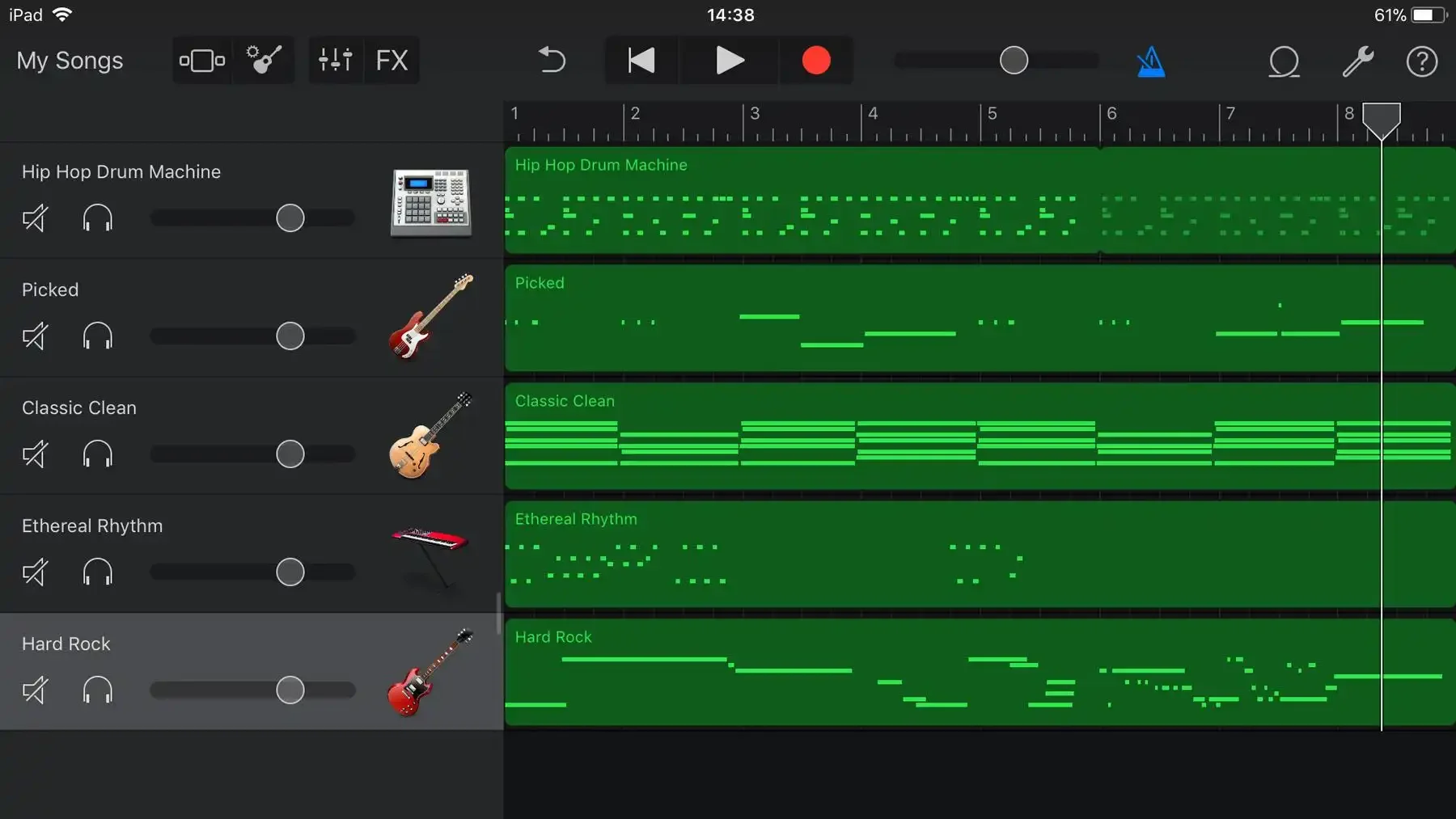
GarageBand
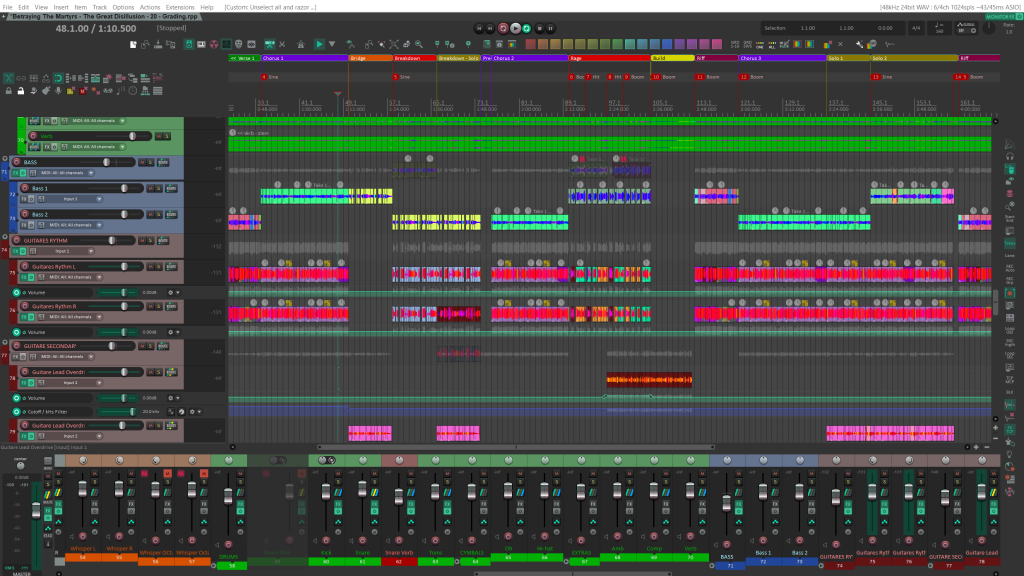
Reaper
Plugins and virtual instruments: extending your DAW
Plugins expand your DAW's capabilities by adding third-party audio effects (like EQs, compressors, and reverbs) and virtual instruments (synth, samplers, and realistic acoustic emulations). They come in standard formats including VST for cross-platform compatibility, AU exclusively for macOS, and AAX designed specifically for Pro Tools. While stock plugins included with your DAW are already fully capable of delivering professional results, adding targeted third-party plugins can refine your sound just be careful not to overload your system or your workflow with unnecessary tools.
What else you need: computer, audio interface and room
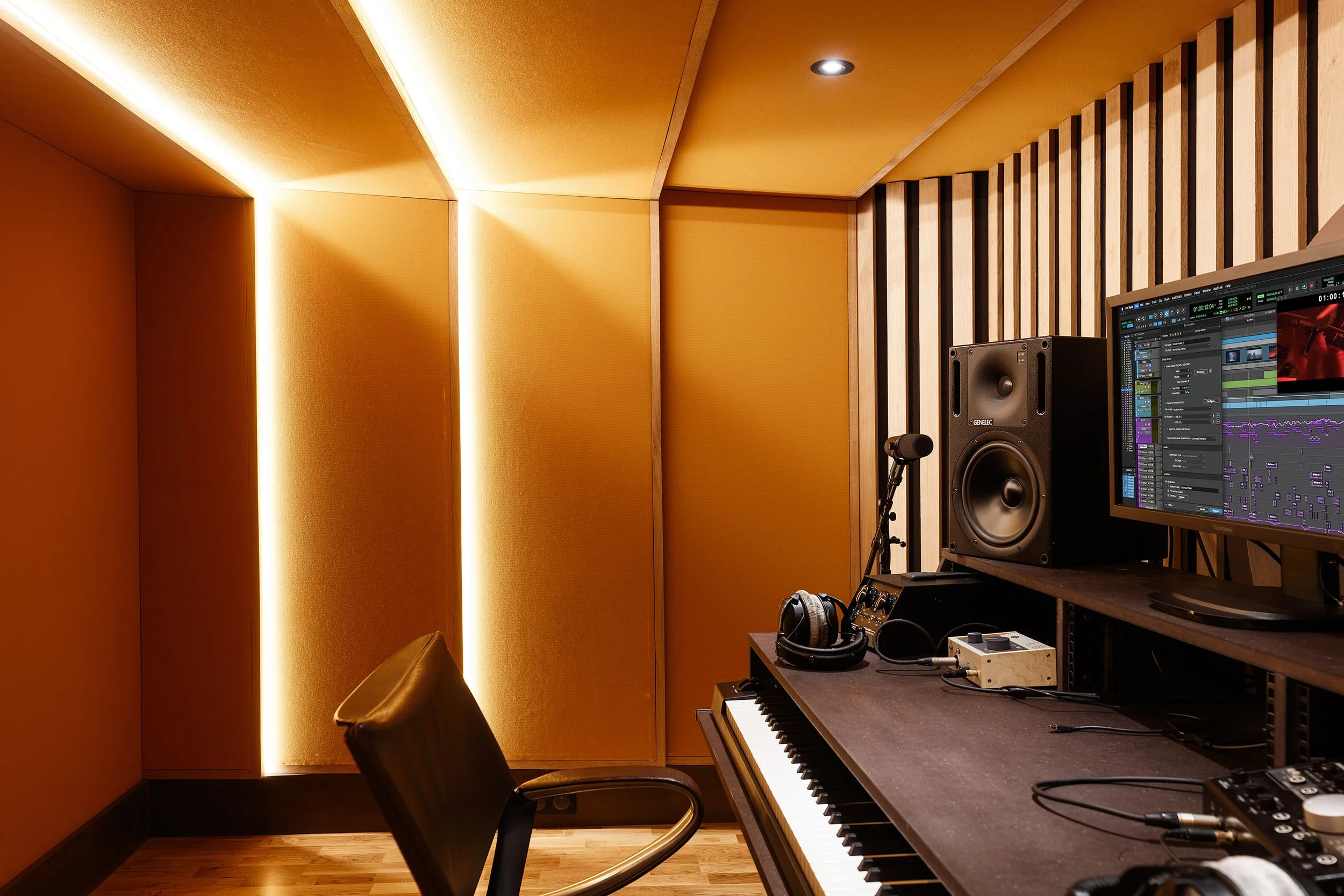
A powerful DAW is only as effective as the hardware environment surrounding it. Beyond software, your studio core requires a capable computer with sufficient CPU and RAM to process audio smoothly, alongside a reliable audio interface to minimize latency during recording and playback. An ergonomic recording studio desk keeps your gear organized and accessible, while accurate monitoring through studio headphones or nearfield monitors is essential to hear subtle details. However, the acoustic quality of your space remains the ultimate deciding factor in recording and mixing accuracy. Implementing proper acoustic solutions will ensure your listening environment is balanced and reliable.
No software can fix a bad-sounding room. If your mixes do not translate well to other systems, check your room acoustics and monitor placement before changing DAW.
The Red House pick
- For Beginners & Free Entry: GarageBand (Mac) or FL Studio (Windows/Mac) for their smooth learning curve and complete out-of-the-box toolsets.
- For Electronic Music & Beatmaking: Ableton Live for unparalleled real-time creativity and session workflow.
- For Commercial Studios & Audio Engineers: Pro Tools for industry-standard compatibility, tracking, and mixing.
- For the Best Value All-Rounder: Logic Pro (Mac) or Studio One (Cross-platform) for complete, professional production suites without recurring costs.
Is your room holding back your mixes?
Red House designs acoustic solutions so you can trust what you hear.
Common mistakes when choosing recording software
Constantly switching DAWs: Changing software too often prevents you from truly mastering any tool and slows down your workflow.
Buying too many plugins early on: Overloading on third-party plugins before learning your DAW's native tools creates unnecessary complexity.
Neglecting computer specs: Choosing software without verifying CPU, RAM, and system compatibility leads to performance bottlenecks.
Following tutorials instead of your own needs: Picking a DAW just because a favorite creator uses it, rather than matching it to your specific genre and workflow.
Why choose Red House for your recording studio?
At Red House, we go beyond software recommendations to help you build an inspiring, professional creative space from the ground up. From acoustic treatment and full studio design to custom ergonomic furniture that seamlessly integrates your computer, screens, and gear, we tailor every detail to optimize your workflow and sound environment.
Recording studio software: frequently asked questions
-
Professional recording studios primarily rely on industry standard digital audio workstation software like Avid Pro Tools for advanced multitrack recording, audio editing, and mixing. Depending on the music producer or audio engineer, platforms such as Logic Pro, Ableton Live, and Cubase are also widely used for music production, virtual instruments, and detailed midi arrangement.
-
GarageBand is widely considered the best free recording software for Mac users, offering a complete set of plugins, virtual instruments, and an easy-to-use interface. For basic voice over or quick audio editing on Windows and Mac, Audacity provides free audio tools, while free trial or lite versions of major DAWs allow beginners to test real multitrack recording environments.
-
Yes, Avid Pro Tools remains the ultimate industry standard in high-end recording studio environments, commercial control rooms, and post-production facilities worldwide. Its unmatched efficiency in handling large-scale multitrack recording, precise editing, and seamless session sharing between professional engineers keeps it at the top.
-
The best DAW for beginners depends on your operating system and goals. GarageBand is ideal for Mac users due to its intuitive design, while FL Studio and PreSonus Studio One offer an easy-to-use entry point on Windows and Mac for music production, beatmaking, and home recording.
Ready to build a studio around your software and workflow?
Red House designs custom recording studios, from acoustics to furniture.
Sources & References
- Avid Technology (Pro Tools) : https://www.avid.com/pro-tools (Consulté le 29 octobre 2026)
- Apple (Logic Pro & GarageBand) : https://www.apple.com/logic-pro/ (Consulté le 29 octobre 2026)
- Ableton (Live) : https://www.ableton.com (Consulté le 29 octobre 2026)
- Image-Line (FL Studio) : https://www.image-line.com (Consulté le 29 octobre 2026)
- Steinberg (Cubase) : https://www.steinberg.net (Consulté le 29 octobre 2026)
- PreSonus (Studio One) : https://www.presonus.com (Consulté le 29 octobre 2026)
- Cockos (REAPER) : https://www.reaper.fm (Consulté le 29 octobre 2026)